← Docs
Documentation
Presets
Install a complete, curated dashboard — charts and layout — in one click. Export your own dashboards as shareable preset files, or upload one you were given.
Step by step
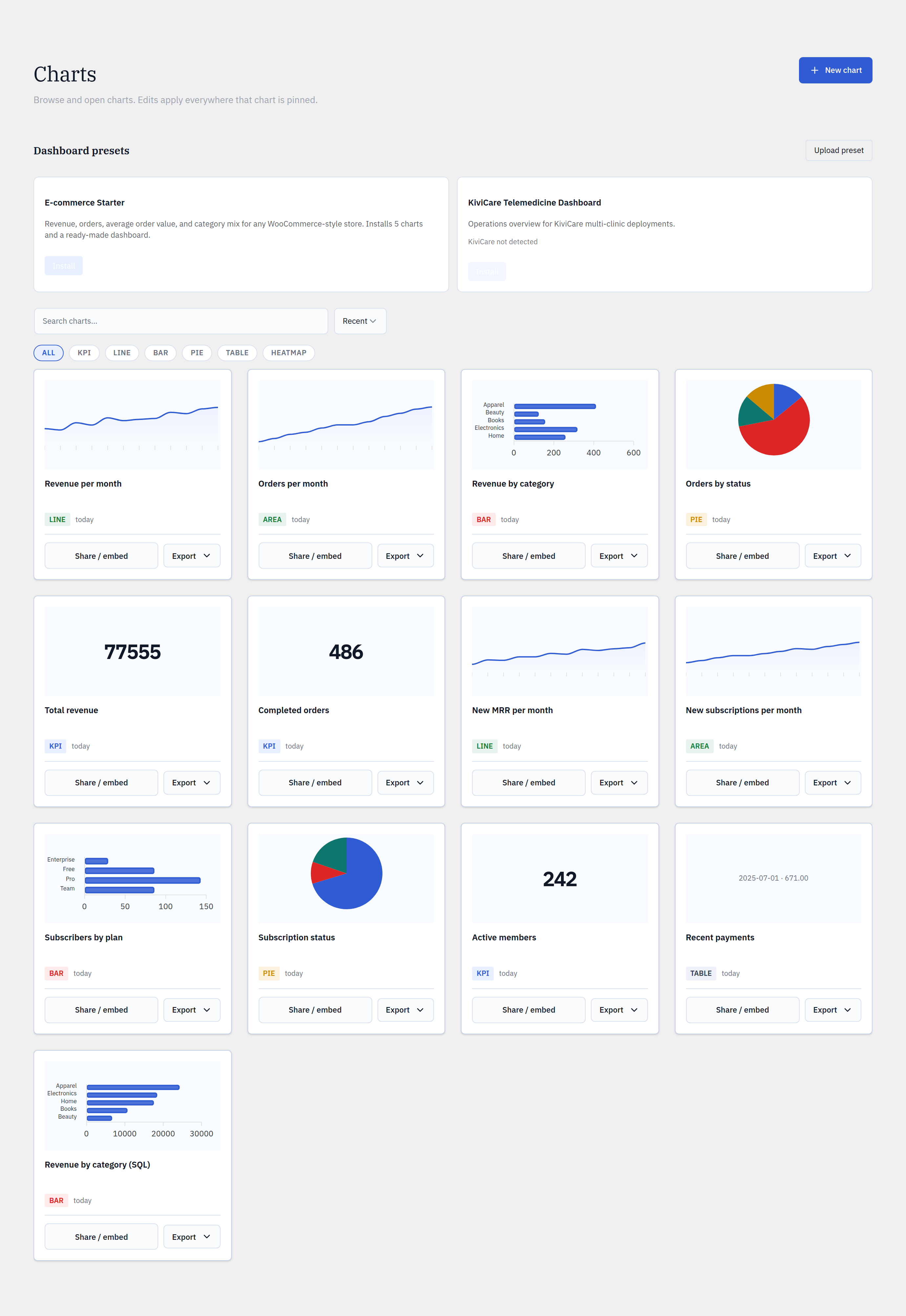
- 1Open Glimpse BI → Charts and find the Presets section.
- 2Pick a preset card. If it needs a specific plugin or tables, the card tells you before you install.
- 3Click Install — Glimpse BI creates the preset’s charts and a dashboard.
- 4If a dashboard of that name exists, choose Replace or keep both.
- 5To share your own, export a dashboard to a preset JSON file; others upload it to recreate it exactly.
yoursite.com/wp-admin/admin.php?page=glimpsebi-charts
Safe installs
Before creating anything, an install checks that required tables exist. If a preset needs tables outside your allowlist, it asks for explicit consent before adding them — it never silently widens what’s chartable.
Round-trips
A preset is a self-contained JSON bundle of chart definitions plus a dashboard layout. Export → upload reproduces an identical dashboard on another site, which makes presets a clean way to standardize reporting across many installs.
Reference
FormatSelf-contained JSON bundle
Install createsCharts + one dashboard
ConflictsReplace or keep both
AllowlistExplicit consent before widening
Bring your WordPress data into focus.
Install the free plugin and build your first chart in minutes. Upgrade to Pro when you outgrow the caps.