← Docs
Documentation
Installation
Install Glimpse BI from WordPress.org or a manual zip upload. On activation it creates its tables and is ready immediately — no configuration required.
Step by step
- 1Log in to your WordPress admin dashboard.
- 2Go to Plugins → Add New and search for “Glimpse BI”.
- 3Click Install Now on the official Glimpse BI plugin, then Activate.
- 4Confirm “Glimpse BI” appears in the main admin menu with Dashboard, Charts, Builder, and Settings.
- 5Open Builder to create your first chart, or Charts → Presets to install a pre-built dashboard.
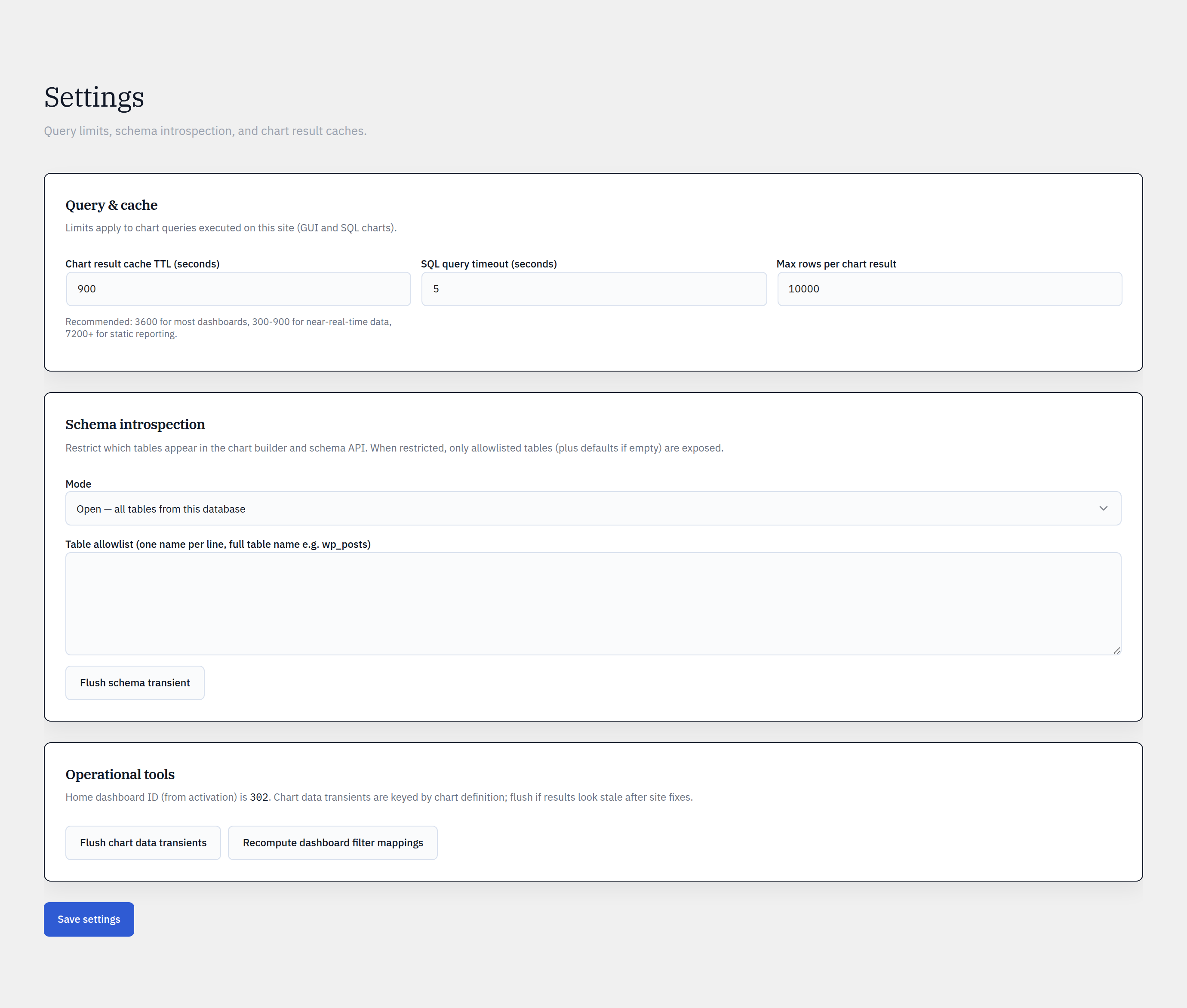
yoursite.com/wp-admin/admin.php?page=glimpsebi-settings
Requirements
Glimpse BI targets WordPress 6.5+ and PHP 7.4+. It runs entirely on your host — no external services are contacted by the free plugin.
What activation does
On activation the plugin creates its embed-token and materialization-registry tables and records a schema version. Future updates migrate the schema automatically on load, so you never have to deactivate and reactivate.
Reference
Plugin slug / text domainglimpse-bi
Minimum WordPress6.5
Minimum PHP7.4
LicenseGPL-2.0-or-later
Required capabilitymanage_options (admin)
REST namespace/wp-json/glimpsebi/v1/
Bring your WordPress data into focus.
Install the free plugin and build your first chart in minutes. Upgrade to Pro when you outgrow the caps.